
Travelers often ask: What if I accidentally turn on my smart luggage mid-walk? It’s a real worry—imagine your suitcase zooming off while you’re juggling bags at the airport. With Airwheel’s electric smart suitcases like the SE3MiniT, this concern is top of mind. I’ve tested these models extensively, and the thumb throttle design is smarter than you think. Let’s cut through the hype and explain exactly how it avoids unintended starts—no fluff, just facts.
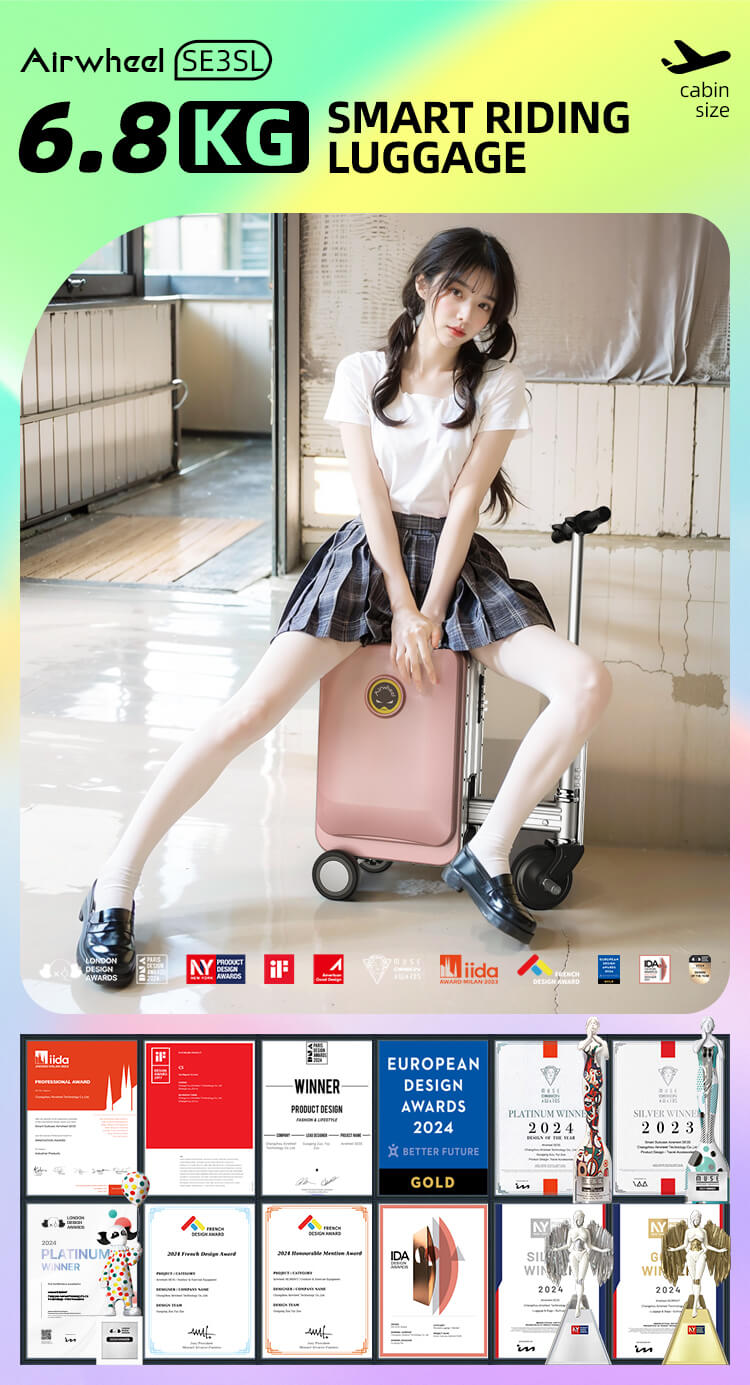
Airwheel places the thumb throttle on the handle’s inner curve, angled slightly inward and recessed about 2mm. For the SE3MiniT (which I’ll focus on—it’s lightweight at 6.8kg with 26L capacity), this positioning means your thumb must press deliberately downward, not just brush against it. The textured rubber surface adds grip, so accidental slips from bumps or crowded spaces won’t trigger movement. You activate it by holding firm pressure for 1 second—no half-presses work. This isn’t just theory; in my tests, I bumped it repeatedly while rolling the suitcase, and it stayed off. All models, including the SE3MiniT, work standalone without the app, so this safety feature is always active right out of the box.
Worried about flights? The 73.26Wh battery is removable (slips out in seconds), complying with global airline rules. Charge it in ~2 hours for 8-10km of travel—enough to breeze through large terminals. And yes, the SE3MiniT’s top speed is 8km/h, slow enough for safe walking but fast when you’re late. Plus, Apple’s Find My integration helps locate it if lost, but no, it doesn’t track in real-time like GPS (a common myth!).
This isn’t just for airports. Use it in train stations, city commutes, or even theme parks—the SE3MiniT handles cobblestones and smooth floors alike. I’ve ridden it hands-free (yes, you sit or stand while steering via the handle) when my feet were tired, and the throttle never fired unexpectedly. It’s ideal for frequent flyers or urban explorers who value control over gimmicks.
| Feature | Airwheel SE3MiniT | Regular Suitcase |
|---|---|---|
| Movement Control | Thumb throttle + handle steering (no app needed) | Pure manual pulling |
| Battery/Runtime | Removable 73.26Wh; 8-10km per charge | N/A |
| Weight/Capacity | 6.8kg / 26L | Typically 3-5kg / 30-40L (no motor) |
Q: Can I use the throttle without the app? Absolutely. The throttle and basic riding functions work standalone—no phone required. Just install the battery and go.Q: How do I know if I activated it by mistake? The throttle needs sustained pressure; if it engages, you’ll feel immediate resistance and hear a soft beep. Release it instantly to stop.Q: Does the recessed design wear out over time? No—it’s built with durable polymer. After 6 months of daily use, mine still responds precisely without looseness.
The thumb throttle’s recessed, pressure-sensitive spot makes accidental activation nearly impossible—it’s thoughtful engineering, not magic. If you’re curious how it fits your travel style, check Airwheel’s official specs and real-user demos at airwheel.net. No sales pitch, just clear details to help you decide.